
Workspace by XtarcBuilt by an agency, for agencies
One workspace for the whole agency.
Project chat, tasks, voice rooms, files, clients and budgets in one real-time workspace. Replace Slack and ClickUp for one flat price, never per seat.
- Free for up to 5 members
- No credit card
- Works on your phone
The real product, start to finish01:13
- Chat
- Tasks
- Voice
- Calendar
- Files
- Clients
- Budgets
- Time
- Reviews
- Reports
- Reports
- Reviews
- Time
- Budgets
- Clients
- Files
- Calendar
- Voice
- Tasks
- Chat
- 2apps replaced
- Slack for chat and ClickUp for tasks, plus the spreadsheet where hours and budgets get reconciled.
- 5members free
- 1 GB storage and no credit card. Chat, tasks, calendar and reviews included.
- 1flat price per workspace
- Plans are sized by team, not billed per head. Add people without the bill growing per seat.
02What it replaces
Close the other tabs.
Most agencies run on a chat app, a task tracker and a few spreadsheets, each billed per seat. Here is where each job goes.
- Team chatSlack (replaced)Channels per project and for the company, with threads, # references and slash commands.
- TasksClickUp (replaced)Boards, tables and a timeline on the same tasks, with reviews and approvals built in.
- CallsMeeting links (replaced)Voice channels with screen share, one click from the conversation.
- Hours and budgetsA spreadsheet (replaced)Time logged on the task rolls up into burn and margin as it is saved.
- Client loginsA shared doc (replaced)A resources vault. Credentials stay hidden until revealed, and every reveal is logged.
- Clients and dealsAnother sheet (replaced)Clients and a sales pipeline next to the projects they turn into.
- The billPer seat, several timesOne flat price per workspace.
Switching takes an afternoon
- 01
Create the workspace
Free, no credit card. Set your currency, week start and logo.
- 02
Invite the team
Share an invite link or code and pick each person's role.
- 03
Start a project
Pick a template. Channels, client, deadline and team are set up in one go.
03How it connects
01
A message comes in.
A client request lands in the project channel, where the team already is.
02
It becomes a task.
One click. The task keeps a link back to the conversation it came from.
03
The task carries its time.
Hours are logged on the task itself, not in a separate timesheet.
04
The time rolls up into the budget.
Burn and margin move the moment the hours are saved.
04The everyday core
The work your team does all day, in one place.
Chat, tasks, calendar and projects share one login, one set of people and one set of permissions.
Every conversation, in context.
Channels, threads, mentions and reactions, plus polls and voice messages. Read receipts show who has seen it. Turn any message into a task.
Recorded in the real product
05Timeline & team
See the whole plan, and who is carrying it.
Zoom out to every scheduled task on one timeline. Zoom in on one person to see exactly what is on their plate.
Timeline
The plan on one line.
Every scheduled task on a timeline you can view by day, week or month, grouped by milestone, with today marked. Spot the clash before it happens.
Team boards
Anyone's week, one click away.
Pick a teammate to see what they have open, overdue, due today and done, as a board, a table or a list.
06Clients & sales
From first contact to signed client.
The pipeline and the client list sit in the same workspace as the projects and the team, so nobody keeps a separate CRM spreadsheet.
1Sales
Win the work.
- Open pipeline, monthly forecast, win rate and sales cycle at the top
- Today's follow-ups, with overdue ones flagged
- Stuck deals: anything sitting in one stage for 14+ days
- A funnel by stage and a forecast weighted by stage
2Clients
Keep the client.
- Every client with status, contact and last activity
- Projects, open deals and pipeline per client
- Search by name or contact; switch between table and cards
07Budget & profitability
See the margin while you can still change it.
Set a budget, log time against it and watch burn and margin move as the work happens. Most chat and task tools stop before the money. This one does not.
- Burn and margin, live
- Every project shows a burn bar and its margin, moving as time is logged.
- Rates stay private
- Per-member hourly rates sit in protected records that members can never read.
- Forecast to the deadline
- See where the budget lands at today's pace, and how many weeks of runway are left.
Website redesign
Fixed fee $30,000 · sample project
Margin
38%
- Spent
- $18,600
- Remaining
- $11,400
35% margin target
08Reports, resources & notifications
Know where every project stands.
A PM dashboard that answers the question.
Open, overdue and blocked work, on-time rate, weekly delivery and lead time, with a list of what needs attention. See what is slipping before the client does.
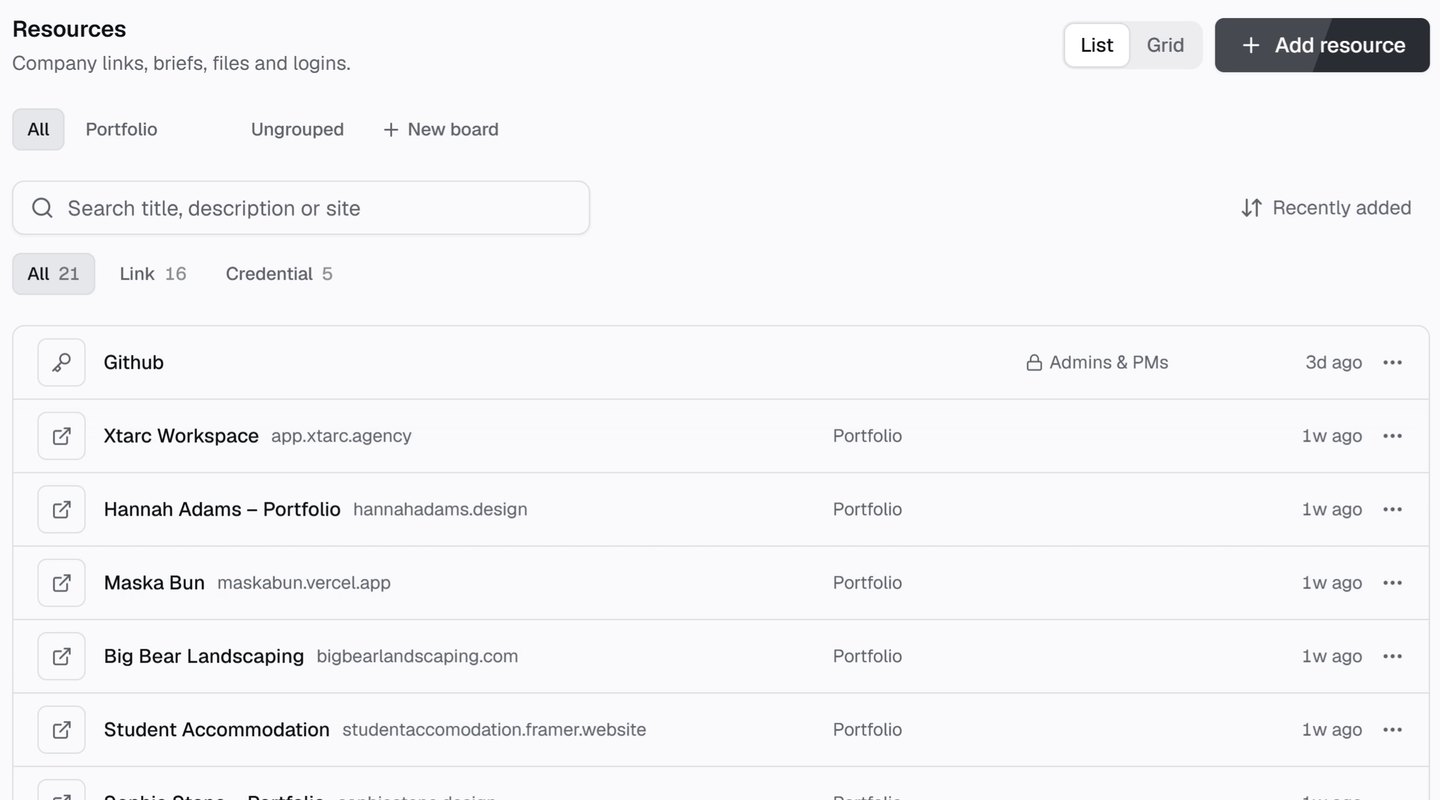
Resources
Links, briefs and logins in one place.
Company links, briefs, files and logins, sorted into boards. Lock sensitive ones to admins and PMs.
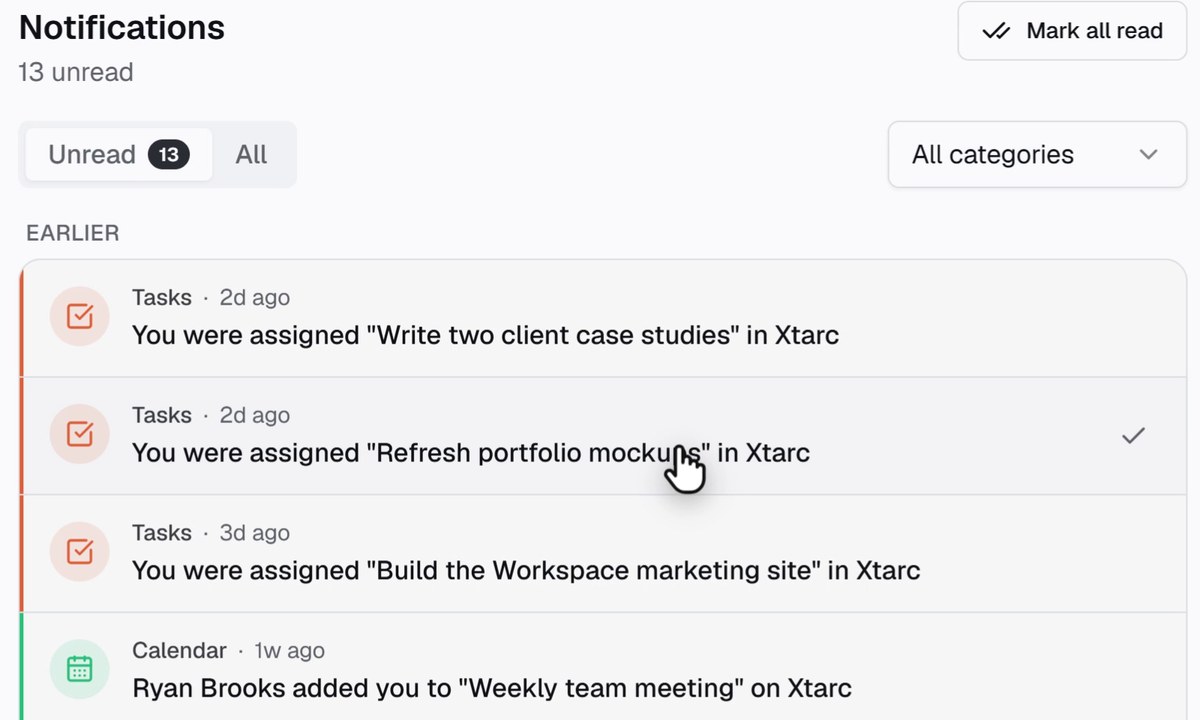
Notifications
Pings that open the right thing.
A grouped in-app inbox plus push on desktop and phone. Tap one and land on the exact task, message or review.
09For admins
Run the workspace, not just the work.
The admin area gives admins the whole picture: who has access, every task in one place and where the storage goes.
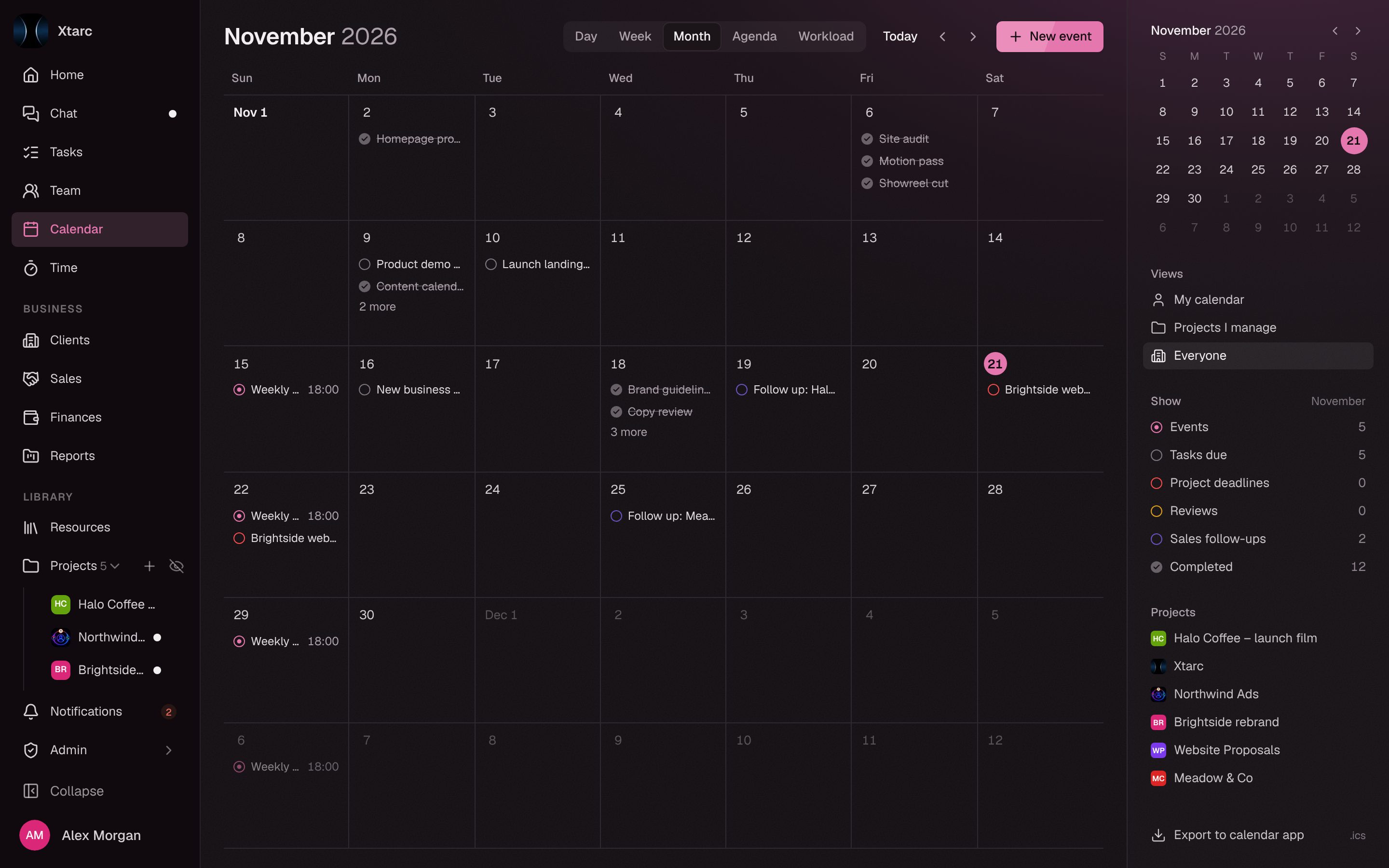
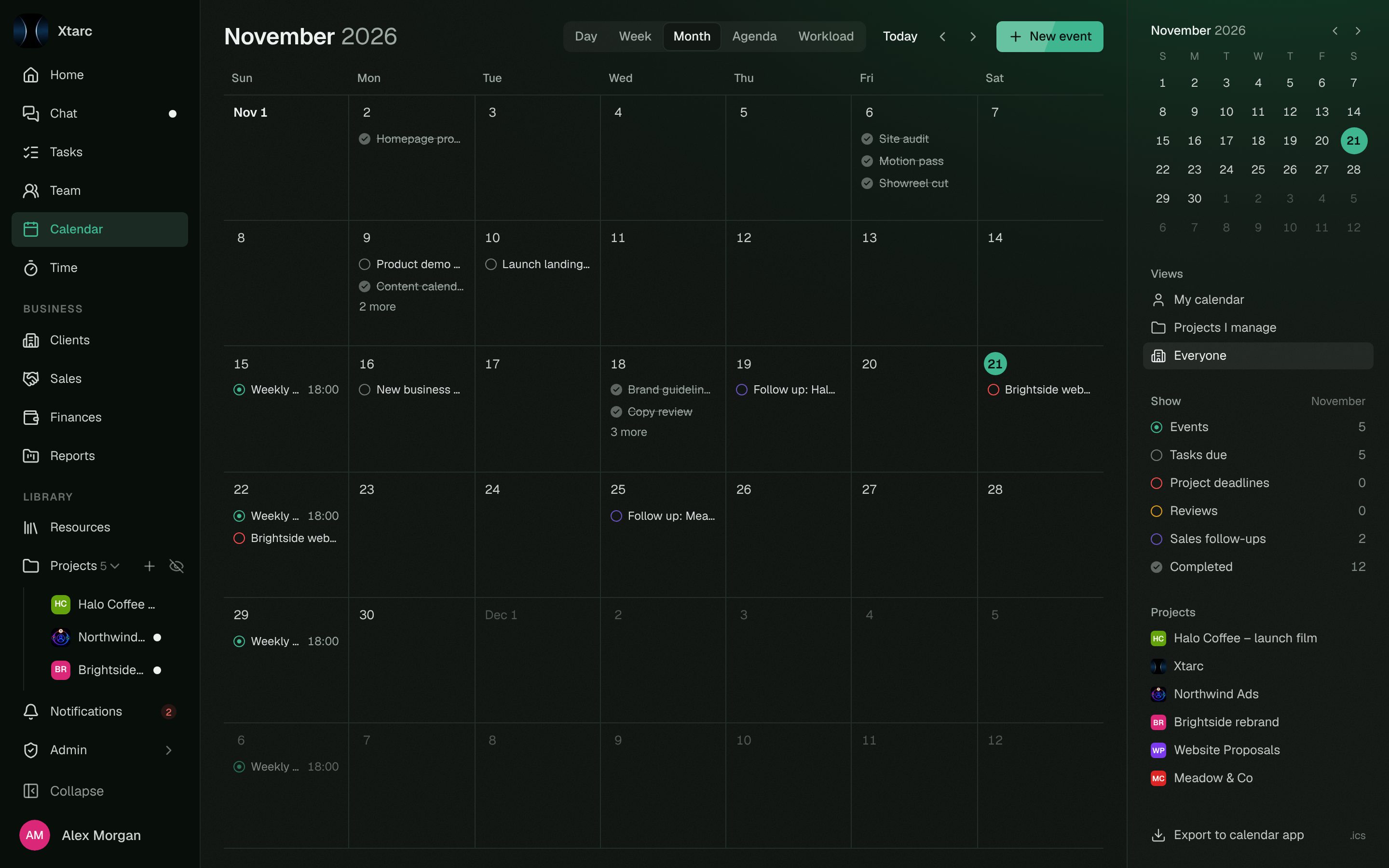
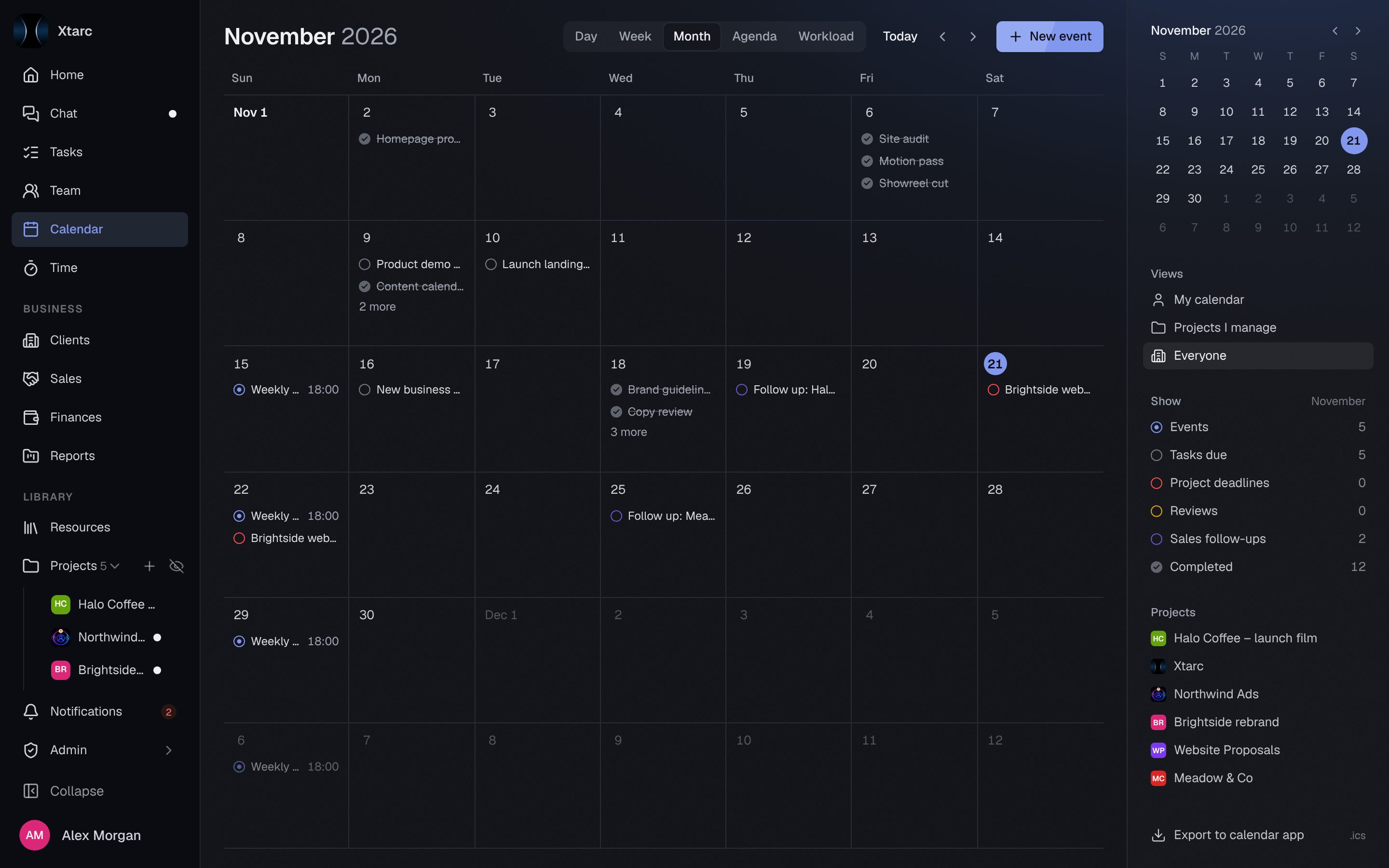
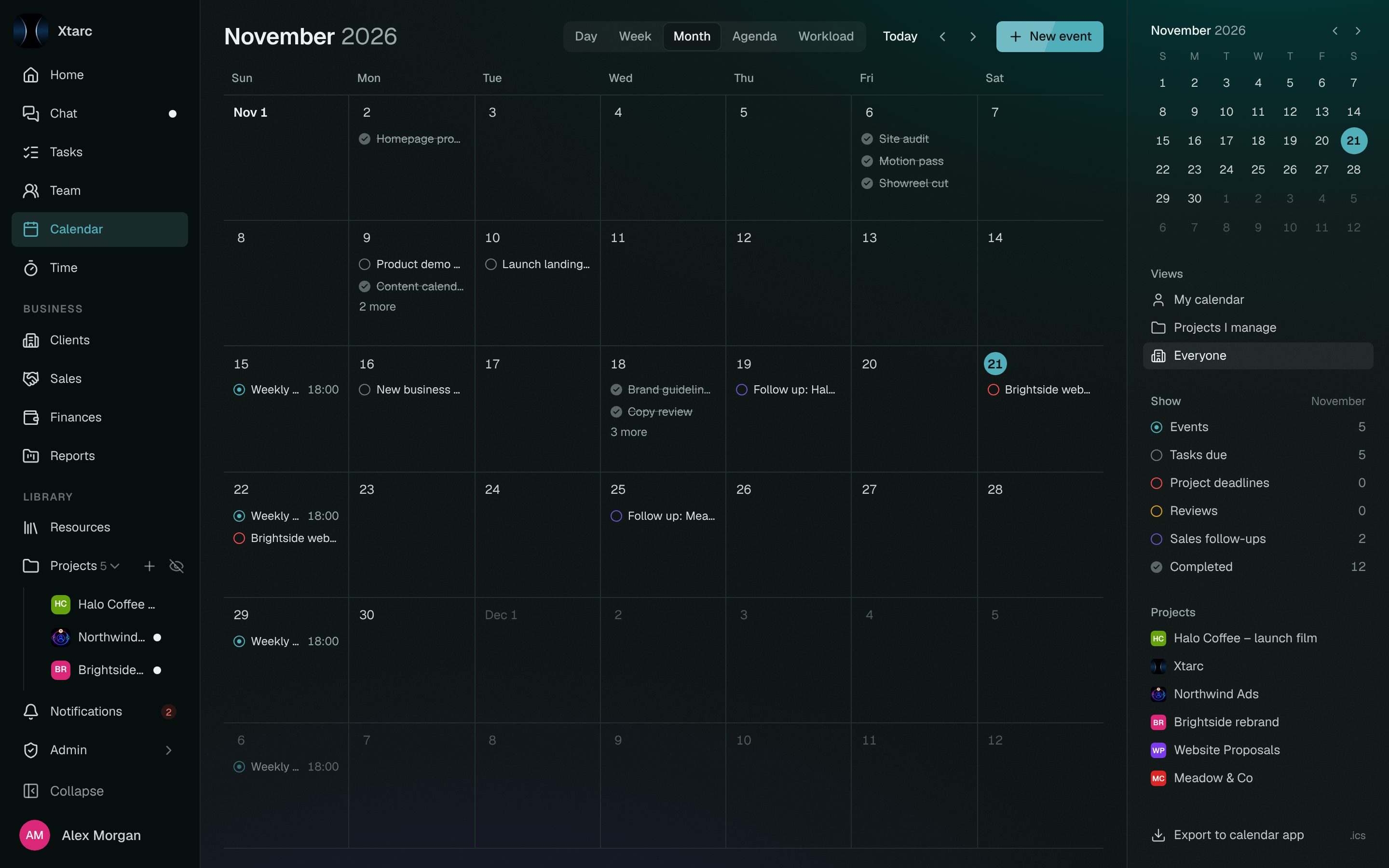
10Themes
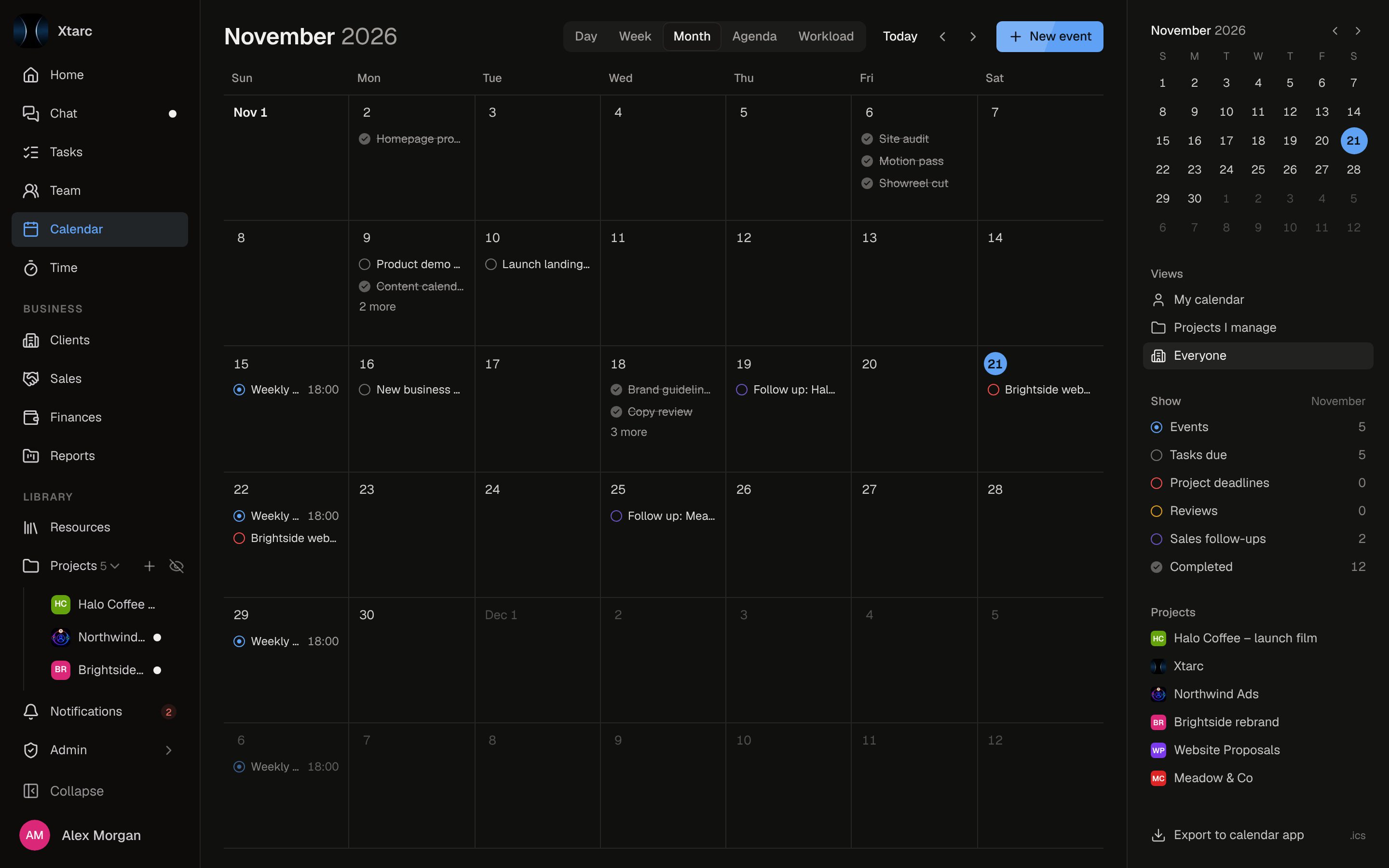
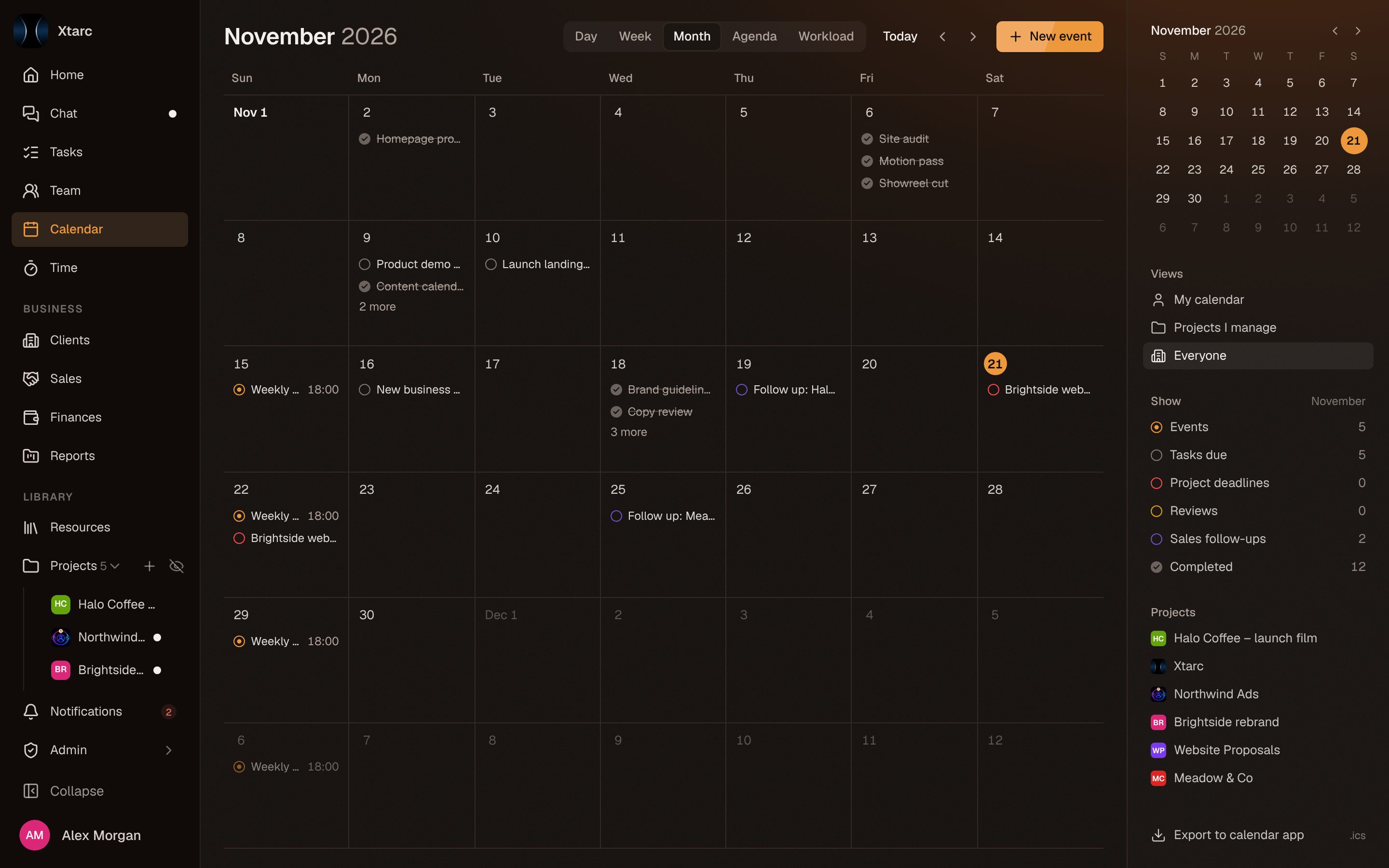
See it in your colors.
The real workspace, not a mockup. Pick a theme and it follows you across every page, on desktop and phone.
Make it yours
Pick a theme to see the workspace in it.
11Security
Built to hold client work.
Client work, budgets and conversations live in one place, so who sees what is decided by the database, not by who can find a link.
Workspaces kept apart
Each workspace is isolated, and access rules are enforced in the database itself, not only in the interface.
Two-factor sign-in
Turn on 2FA with any authenticator app. Once it is on, every request needs it, checked down to the database.
Access by role
Admins, project managers and members each see what their role allows. Budgets, rates and finances stay with admins and managers.
Private by default
Project work is visible only to the people on that project, and any channel can be limited to the people who need it.
12Pricing
Flat pricing. Never per seat.
One price per workspace, not per person. Every plan includes chat, tasks, calendar and reviews. Plans differ in member limit, storage, and finance and admin features.
12
Team · $59 a month$4.92 per person, and it stays $59
Free
Fits your team$0
No credit card
For a small team trying it out.
- Up to 5 members
- 1 GB storage
- Chat, tasks, calendar and reviews
- Installable on your phone
Starter
Fits your team$29/ month
Per workspace, not per seat
For small studios getting organised.
- Up to 10 members
- 25 GB storage
- Voice channels and screen share
- Everything in Free
Team
Fits your team$59/ month
Per workspace, not per seat
For agencies that run on margins.
- Up to 20 members
- 75 GB storage
- Sales pipeline and finances
- Invoices from logged time
- Budget alerts and rate history
- PM reports and analytics
- Everything in Starter
Studio
Fits your team$149/ month
Per workspace, not per seat
For growing agencies with several teams.
- Up to 50 members
- 250 GB storage
- Sharper screen share
- Everything in Team
Scale
Fits your team$299/ month
Per workspace, not per seat
For large agencies running many clients.
- Up to 120 members
- 500 GB storage
- Highest screen-share quality
- Everything in Studio
Enterprise
Fits your teamCustom
Tailored to your team
For organisations with bespoke needs.
- 120+ members
- Custom storage and limits
- Tailored onboarding
- Everything in Scale
Need more room? Add storage to any paid plan: +$5 per 100 GB a month. Paid plans are not billed yet: every workspace starts on Free, and these launch prices may still change.
Usually Slack and ClickUp, plus the spreadsheet where hours and budgets get reconciled and the doc where client logins live. Chat, voice, tasks, calendar, files, clients and budgets share one set of people and permissions.
Yes. Each workspace is isolated, and access rules are enforced in the database itself, not only in the interface. You can belong to several workspaces and switch between them.
Create your workspace, then share an invite link or code from the admin area. People sign up or sign in and join with it. You pick each person's role.
Each plan includes storage for uploads and attachments. Add more in 100 GB steps. Admins can see a usage breakdown.
Yes. Free covers up to 5 members and 1 GB, with chat, tasks, calendar and reviews, and needs no credit card. Voice and screen share start on Starter; sales, finances, invoices and PM reports start on Team.
Yes. Xtarc is an installable web app: add it to your home screen on iOS or Android for push notifications and a layout built for small screens. On Android you can share files and links to Xtarc from any app. Native apps are on the way.
Chat, tasks and the budget, finally in one place.
Free for up to 5 members. No credit card. Invite the team when you are ready.